Free MyFreeCams Earnings Tracker for Cam Models
Track your MyFreeCams sessions, tips, tokens, hourly earnings, goals, and performance with a free creator-friendly PDF tracker. Stop relying on memory and start seeing what is actually working.
CamCashGrl is a model-run website designed to help cam creators optimize their streams and build a stronger, more sustainable business. We provide tracking tools, guides, analytics, and creator resources to help you understand your data, boost your earnings potential, and make informed decisions about your streaming business.
Your free download is ready. Track sessions, tokens, earnings, and performance instantly. Print it or use it digitally with any PDF app.
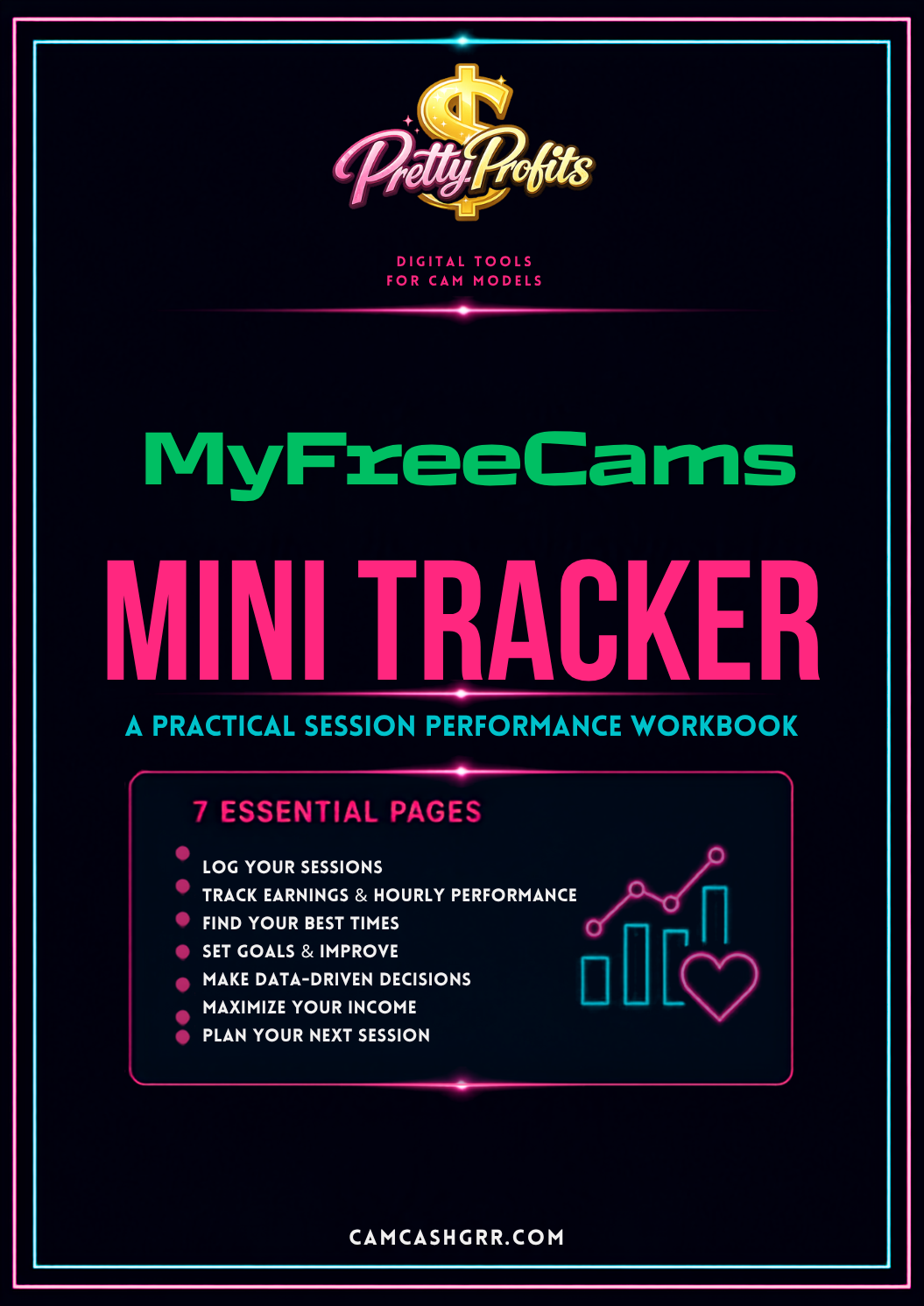
The difference between guessing and knowing is data. When you track your sessions, you can see patterns you would never notice from memory alone.
- Identify which hours generate the most tokens
- Compare session types and find what works best
- Track hourly earnings to optimize your schedule
- Make decisions based on your actual performance data
- Build monthly patterns and long-term strategies
Ready for the Complete System?
The free Mini Tracker is perfect for getting started. When you're ready to expand, the full MyFreeCams Creator Tip Tracker is a comprehensive 64-page workbook with advanced tracking pages, monthly reviews, goal setting, and business planning sections.
64-page workbook with session logs, earnings analysis, monthly reviews, goal tracking, and performance optimization pages.
View on Etsy →Streaming on MyFreeCams can mean keeping track of a lot of different numbers.
How many tokens did you earn? How long were you online? Which hours performed best? Which sessions were actually worth your time? Did a particular show type, goal, or game perform better than usual?
A simple MyFreeCams earnings tracker can make those questions much easier to answer.
Instead of relying on memory, you can record what happened during your streams and start looking for patterns in your own numbers.
Why Use a MyFreeCams Earnings Tracker?
Your total earnings tell you what you made.
They do not always tell you why you made it.
For example, a $75 session that took two hours may give you more useful information than a $100 session that took five hours.
That is why tracking more than your final earnings can be useful. You can record the details surrounding each stream and compare your results over time.
Record your schedule, session length, tokens, estimated USD, tips, tippers, followers, show type, and notes so you can see the patterns behind your results.
Track Every MyFreeCams Session
The Daily Session Log gives you a repeatable place to record the basic details of every stream.
You can track:
- Date and day
- Start and end time
- Total duration
- Show type or theme
- Tokens earned
- Estimated USD
- Tips
- Unique tippers
- Followers gained
- Time blocks and notes
There is also space to record what worked and what you want to change next session.
Track Your MyFreeCams Earnings Per Hour
Total earnings are only one way to compare sessions. Your hourly earnings can give you another useful view of your performance.
The tracker includes hourly earnings pages where you can record the date, hour, minutes, tokens, USD, tips, and notes.
This can help you compare different streaming windows and determine which parts of your schedule are worth testing again.
Find Your Best MyFreeCams Streaming Hours
There is no single streaming schedule that works perfectly for every creator.
Your audience, time zone, regulars, room strategy, and content can all affect your results.
That is why testing your own schedule can be more useful than simply copying someone else's advice.
Track your performance by day
The full workbook includes separate performance trackers for Monday through Sunday, giving you a way to compare your sessions, average tokens, hourly performance, and patterns across the week.
Test your best-time hypothesis
The tracker also includes a Best-Time Experiment page so you can test different time windows instead of assuming a schedule is profitable after only one good stream.
Turn Your Numbers Into Goals
Tracking is much more useful when it leads to action.
Instead of simply writing down what happened, use your data to decide what you want to test next.
Your tracking process can become:
Repeat the process and build your strategy around your own performance data.
Track Your MyFreeCams Business Month by Month
Individual sessions can be useful, but longer-term patterns become easier to recognize when you compare your performance over several weeks and months.
The full MyFreeCams workbook includes monthly tracking pages for the year, giving you space to review totals, hours streamed, sessions, tippers, followers gained, wins, and next-month priorities.
Track Games and Special Shows
Games and special shows can also be tested and reviewed rather than relying on guesswork.
The full tracker includes a dedicated Game & Event Show Tracker where you can record earnings, goals, whether goals were met, top-performing games or events, and which ones you want to retire.
Organize fans, spending, and follow-ups
Session prompts and transitions
Roleplay prompts and transitions
Engagement game for your room
Interactive Canva template
Content guides and templates
Want real-time earnings tracking without manual entry? CamCash provides automated fan intelligence, token tracking, and performance analytics so you can focus on streaming.
Sign Up for CamCash →Organize fans, spending, and follow-ups
Session prompts and transitions
Roleplay prompts and transitions
Interactive Canva template
Engagement game for your room
Training guides and templates
Planning tools and earning guides
Frequently Asked Questions
A MyFreeCams earnings tracker is a worksheet or digital tool for recording streaming sessions, tokens, tips, estimated earnings, hours, tippers, and other performance information.
Tracking gives you a way to compare sessions, identify patterns, evaluate your hourly results, and make decisions based on your own performance.
Yes. The free Mini Tracker gives you selected pages from the larger creator tracking system so you can start tracking without purchasing the full workbook.
Yes. The tracker is provided as a PDF that can be printed or used digitally with compatible PDF annotation software.
The complete MyFreeCams Creator Tip Tracker is available through the Pretty Profitz Etsy listing.
The tracker is an organizational and planning resource. It does not guarantee earnings. Verify current MyFreeCams rules, payout information, and account details directly with the platform.